Wording
Make your feedback requests sound like you.
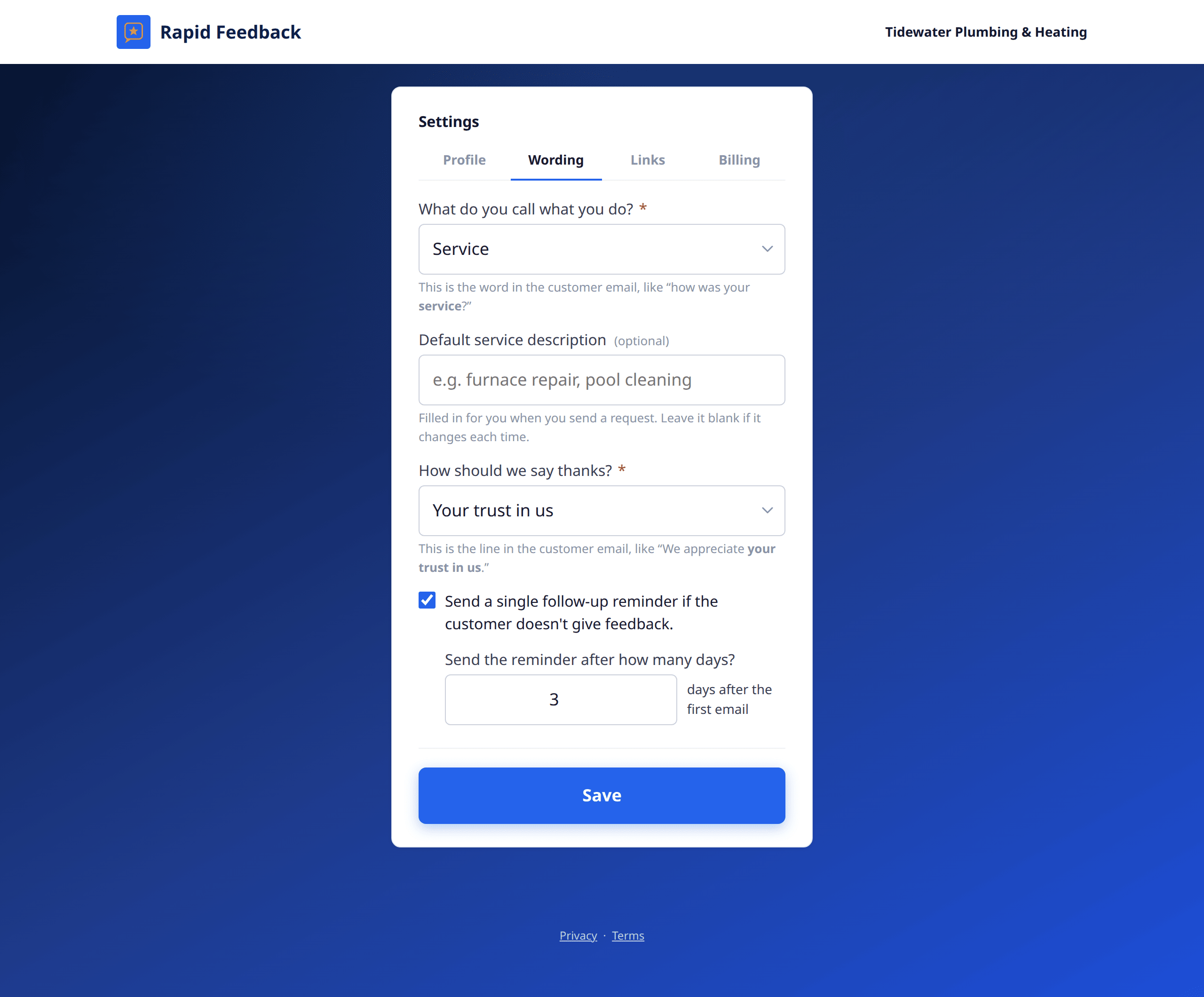
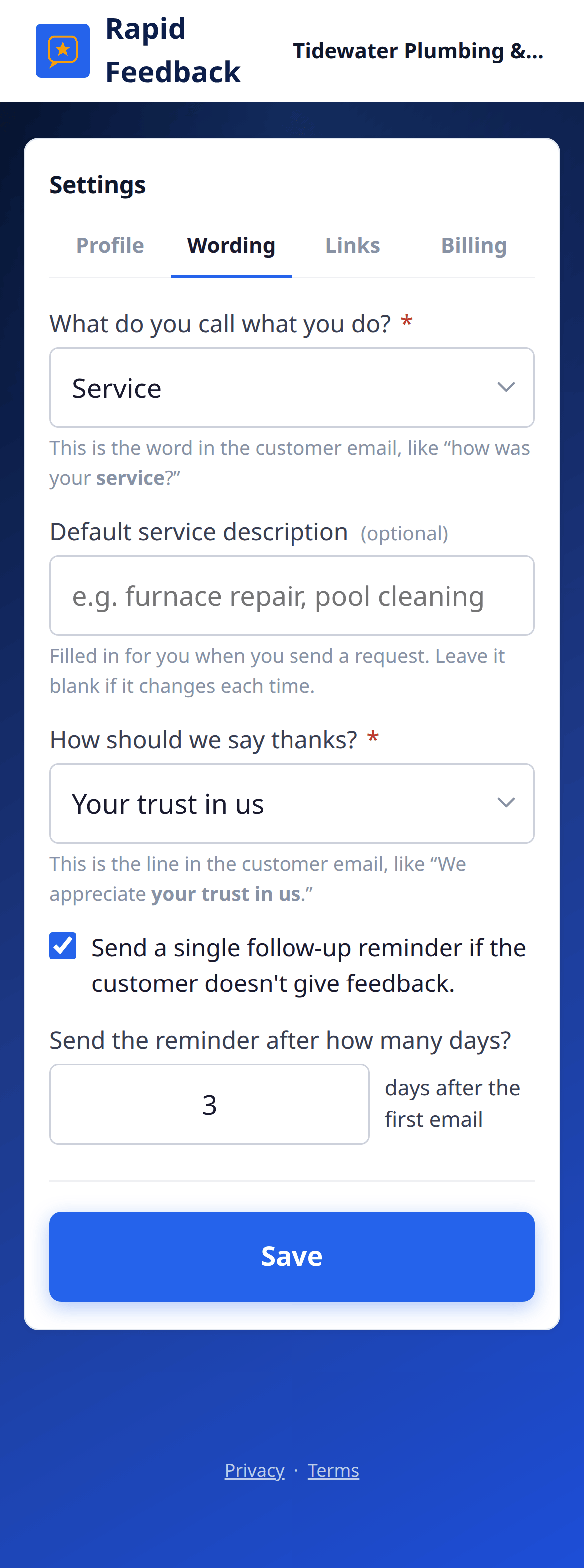
What do you call what you do?
The word used in your emails and forms, like "how was your service?" Choose from:
| Choice | Good for | The date box on your page says |
|---|---|---|
| Service | Trades, cleaning, repairs | Service date |
| Appointment | Clinics, salons, dentists | Appointment date |
| Visit | Estimates, house calls | Visit date |
| Session | Classes, therapy, training | Session date |
| Meal | Restaurants, catering | Meal date |
| Stay | Inns, rentals, campgrounds | Stay date |
The question on your sending page changes to match, for example What was the appointment for?
Default description
(optional) "Filled in for you when you send a request. Leave it blank if it changes each time."
If most of your jobs are the same, like lawn care or dental cleaning, type it here. It appears in the description box on your sending page, ready to go. You can still change it for any one request.
How should we say thanks?
The thank-you line in your email: "We appreciate your business." Choose from:
- your business
- your trust
- your trust in us
- your continued support
Follow-up reminder
- Send a single follow-up reminder if the customer doesn't give feedback. Tick to turn it on.
- Send the reminder after how many days? Anything from 1 to 30, counted from the first email.
More in Follow-up reminders.
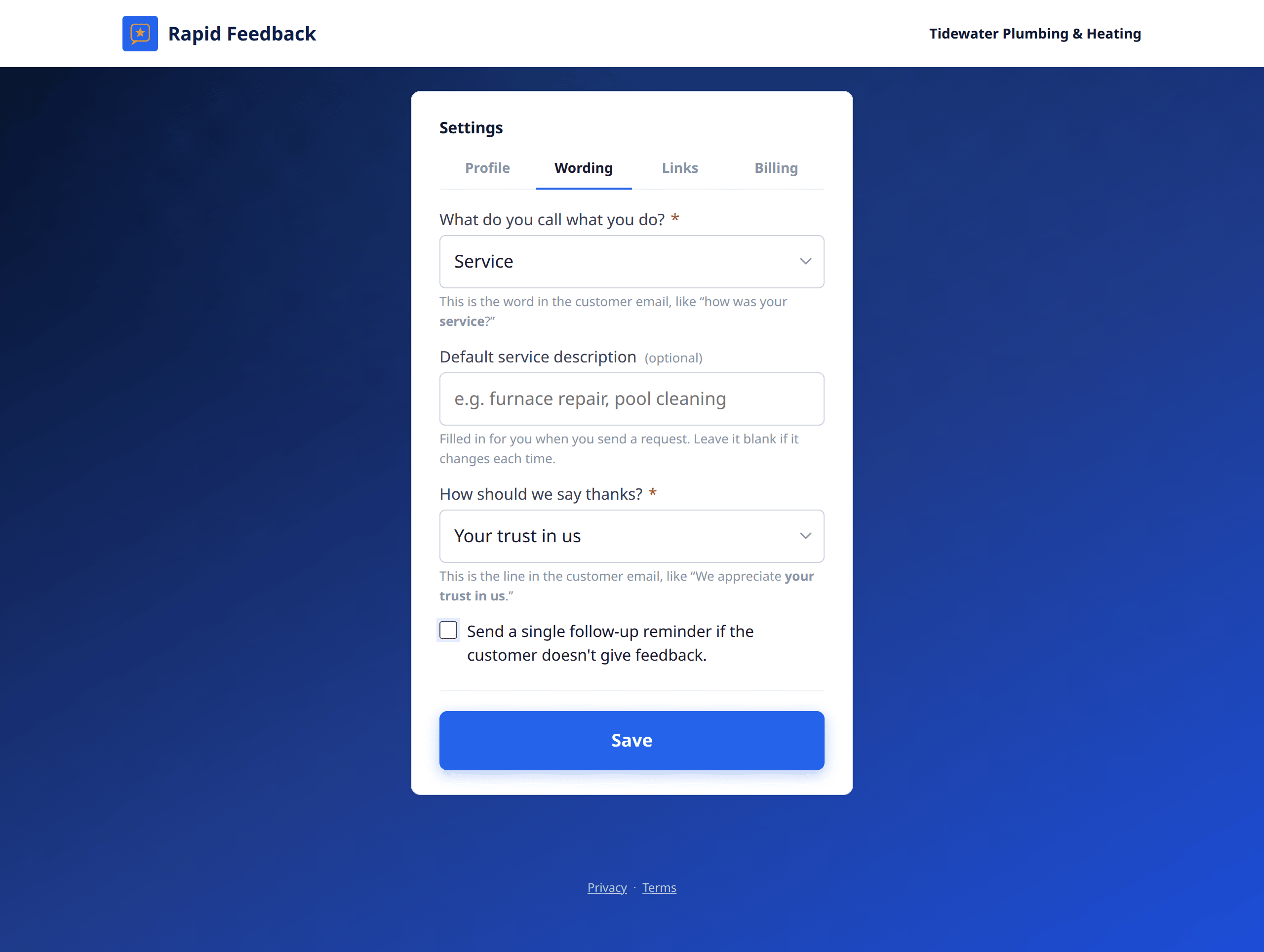
Press Save when you're done. To check the result, use Preview the email on your sending page.