Private notes
After rating the job, any customer can write you a note. Notes are private: they come to you by email and nowhere else.
Who sees a note
Only you, at the email address on your account. Notes are never posted anywhere. They don't go to Google.
What your customer sees
- After a good rating, the box is called Anything else for [your business]? and the button is Send note.
- After a poor rating, the box is called What happened? and the button is Send to [your business].
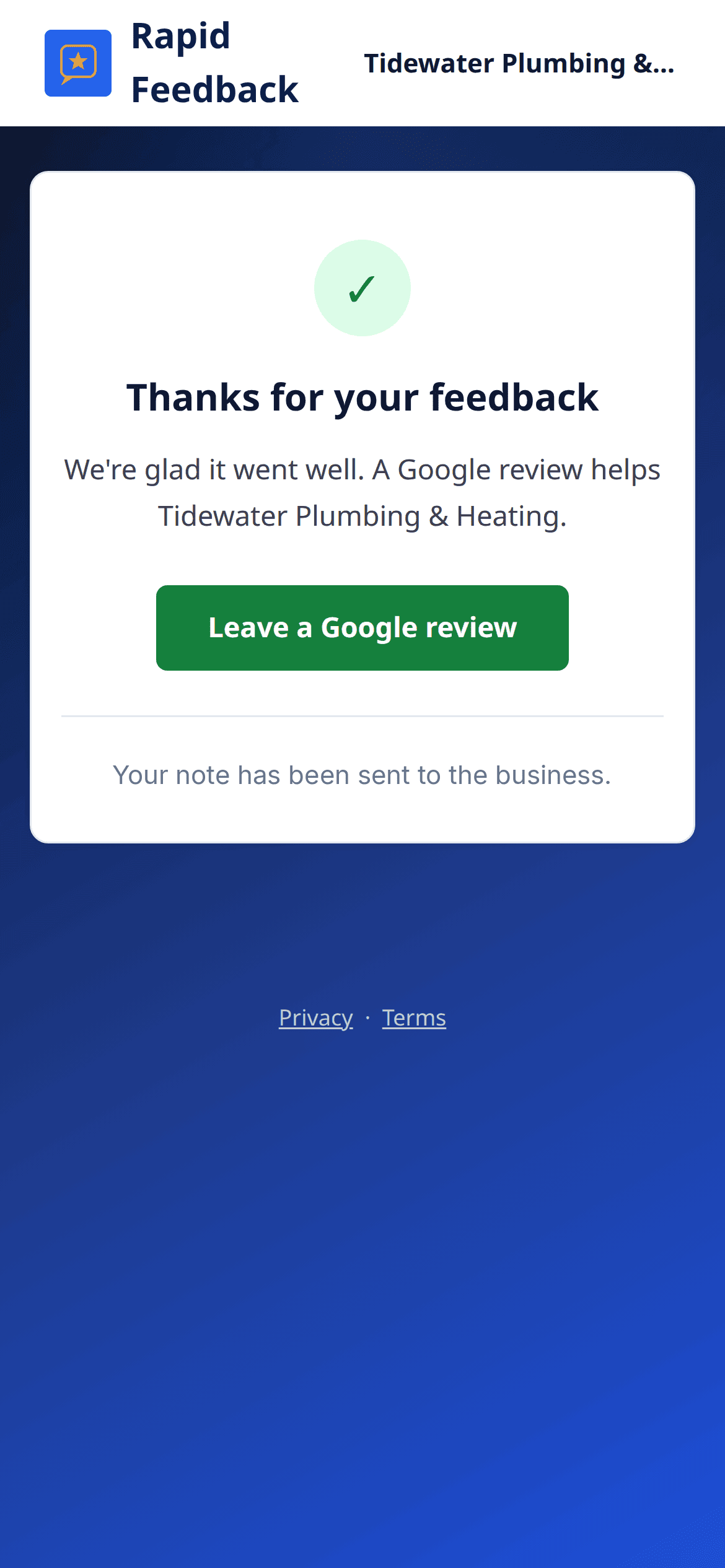
Once they send it, the page says "Your note has been sent to the business." If they open the link again later, or try to send another note, it says "You already sent a note to the shop." Each link takes one note.
If they press the button with an empty box, they see "Please add a note, or skip this step."
What you get
| They rated | They wrote a note | You get |
|---|---|---|
| Very good or Good | Yes | "[Customer] left a private note" with their words |
| Poor or Very poor | Yes | "[Customer] added details" with their words, after the "was not happy" alert |
Reply to the email and your reply goes to your customer. See Notes from happy customers and When a customer isn't happy.
Tip
A note from a happy customer is a lovely thing to share with your team.