Unsubscribing
You're in charge of what you get. Here's what you can turn off, and what each choice means.
Tips, trial reminders and the weekly recap
These come from hello@rapidfeedback.net. Each one has an Unsubscribe link at the very bottom.
- Click Unsubscribe at the bottom of any hello@ email.
- Confirm on the page that opens.
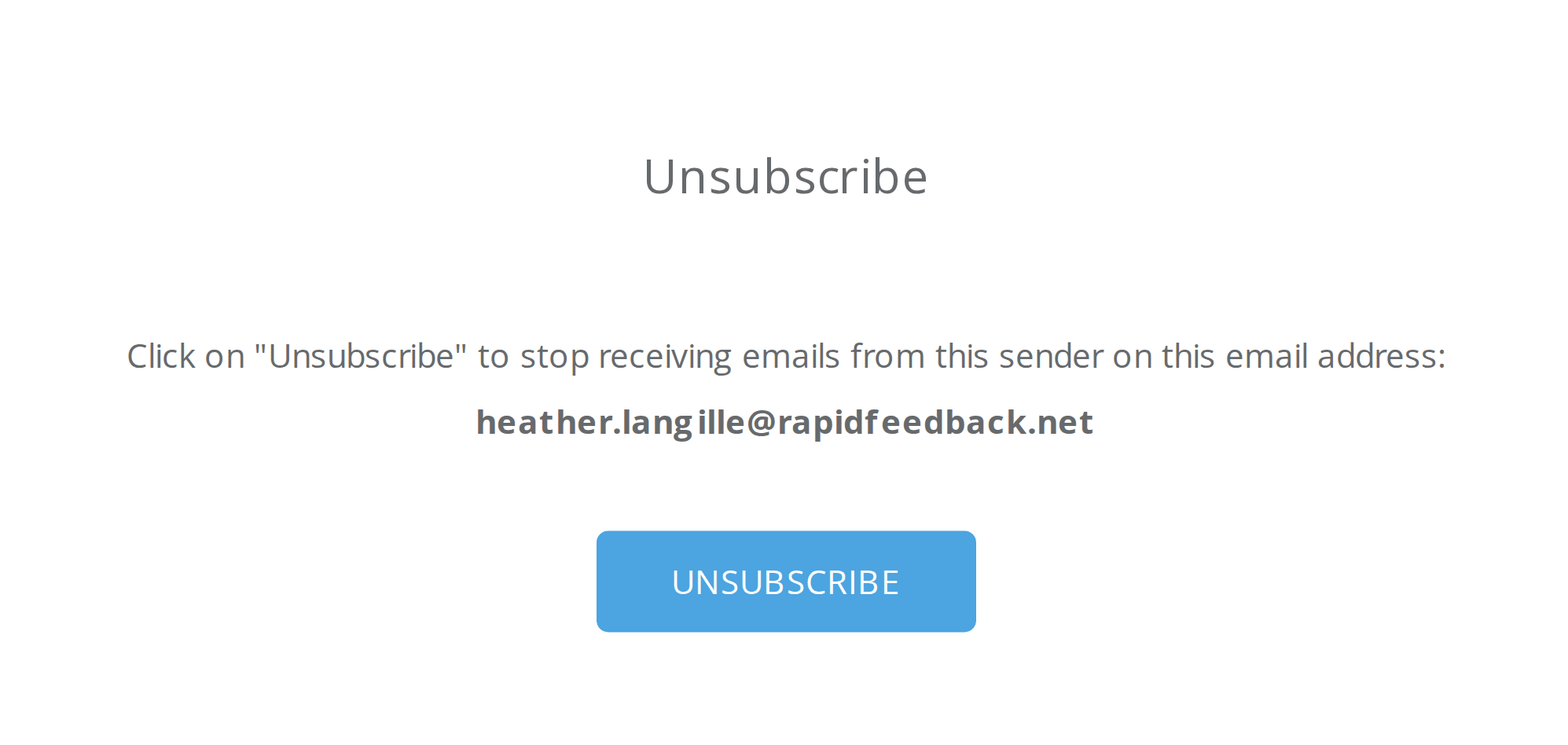

You'll stop getting tips, trial reminders and your weekly recap. You'll still get account emails and customer feedback, because Rapid Feedback can't work without them.
Your email app's Unsubscribe button
Gmail, Apple Mail and others sometimes show their own Unsubscribe button at the top of an email. It works on our emails too, but it only turns off that sender:
| If you use it on an email from… | You stop getting… | Watch out |
|---|---|---|
| hello@ | Tips, trial reminders, weekly recap | Nothing else changes |
| account@ | Sign-in links, setup and account notices | You won't be able to get a settings link |
| feedback@ | Unhappy-customer alerts and notes | You won't hear about unhappy customers |
Heads up
Please don't unsubscribe from account@ or feedback@. Without them, you can't sign in to settings or hear what your customers say. If it happens by accident, email hello@rapidfeedback.net and we'll turn them back on.
Older emails
Some emails sent before October 2026 have an older unsubscribe link that opens a Rapid Feedback page. Press Unsubscribe on that page to stop tips and reminders. It works the same way as the link above.
Changing your email turns everything back on
When you change your email address, all three kinds of email start again for the new address.