Cancelling
You can cancel anytime, yourself, in a few clicks. No phone call, no questions.
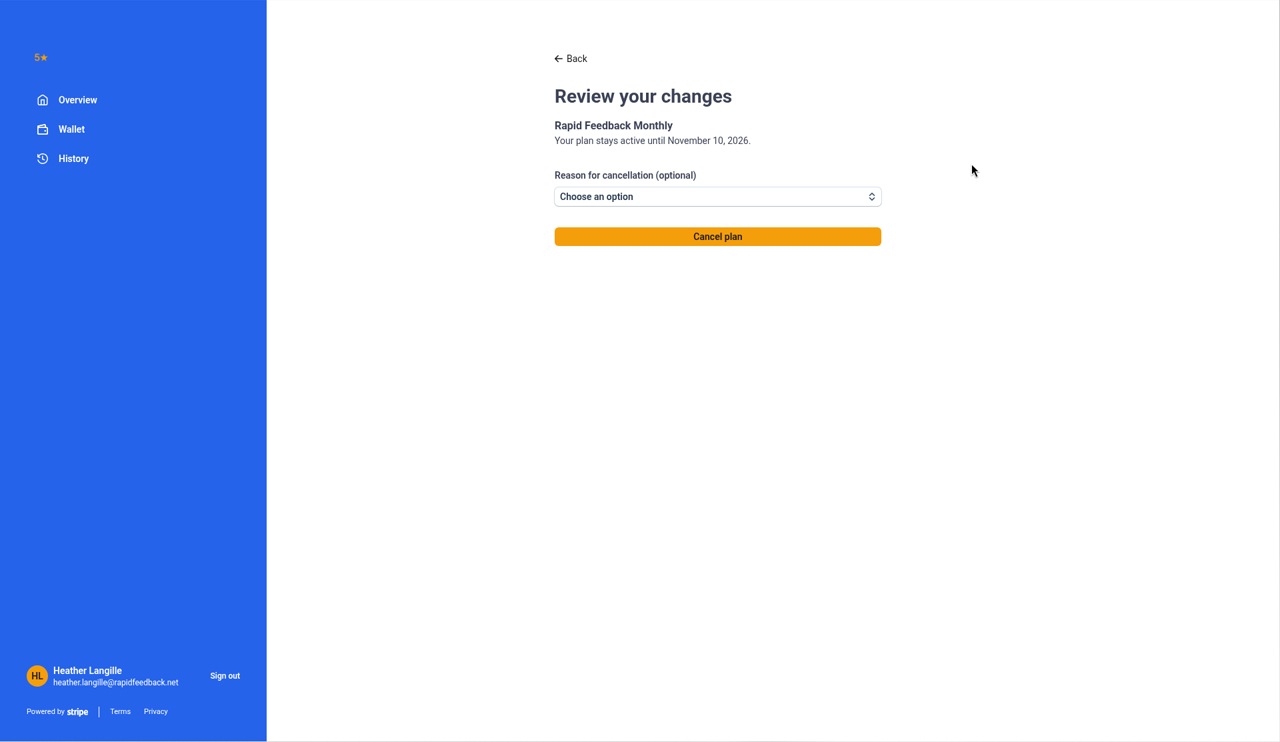
- Open your Stripe billing page: Settings, then Billing, then Manage billing.
- Choose Cancel on your plan.
- Confirm.
What happens when you cancel
| When you cancel | What happens |
|---|---|
| During your free trial | You won't be charged. Your page keeps working until your trial ends, then pauses. |
| On the paid plan | Your plan runs until the end of the month you've paid for. Then your page pauses. There are no partial-month refunds. |
Changed your mind?
- Before your trial ends: tap the days-left line and press Add a card to keep going.
- After your page has paused: email hello@rapidfeedback.net and we'll get you going again.
Tip
If something about Rapid Feedback isn't working for you, we'd really like to hear about it. Reply to any of our emails, or write to hello@rapidfeedback.net.