Using a PIN on shared devices
A PIN is an optional 6-digit code that locks your sending page. It's handy if your page is open on a shared tablet or a phone that gets passed around.
Getting a PIN
We set PINs for you. Email hello@rapidfeedback.net from the email address on your account, and tell us you'd like one. We'll set it up and reply with the next steps. To change or remove a PIN, email us the same way.
Entering your PIN
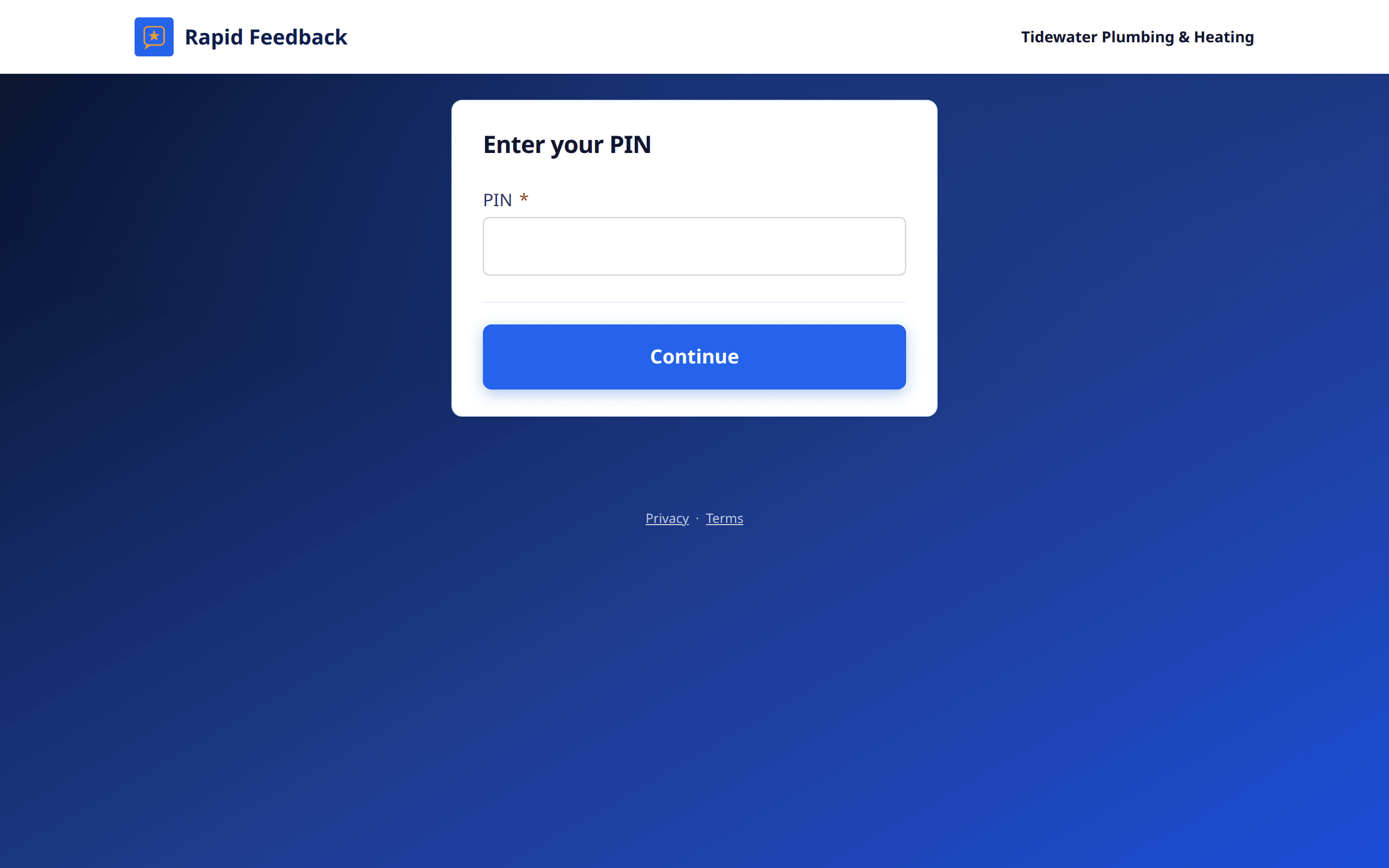
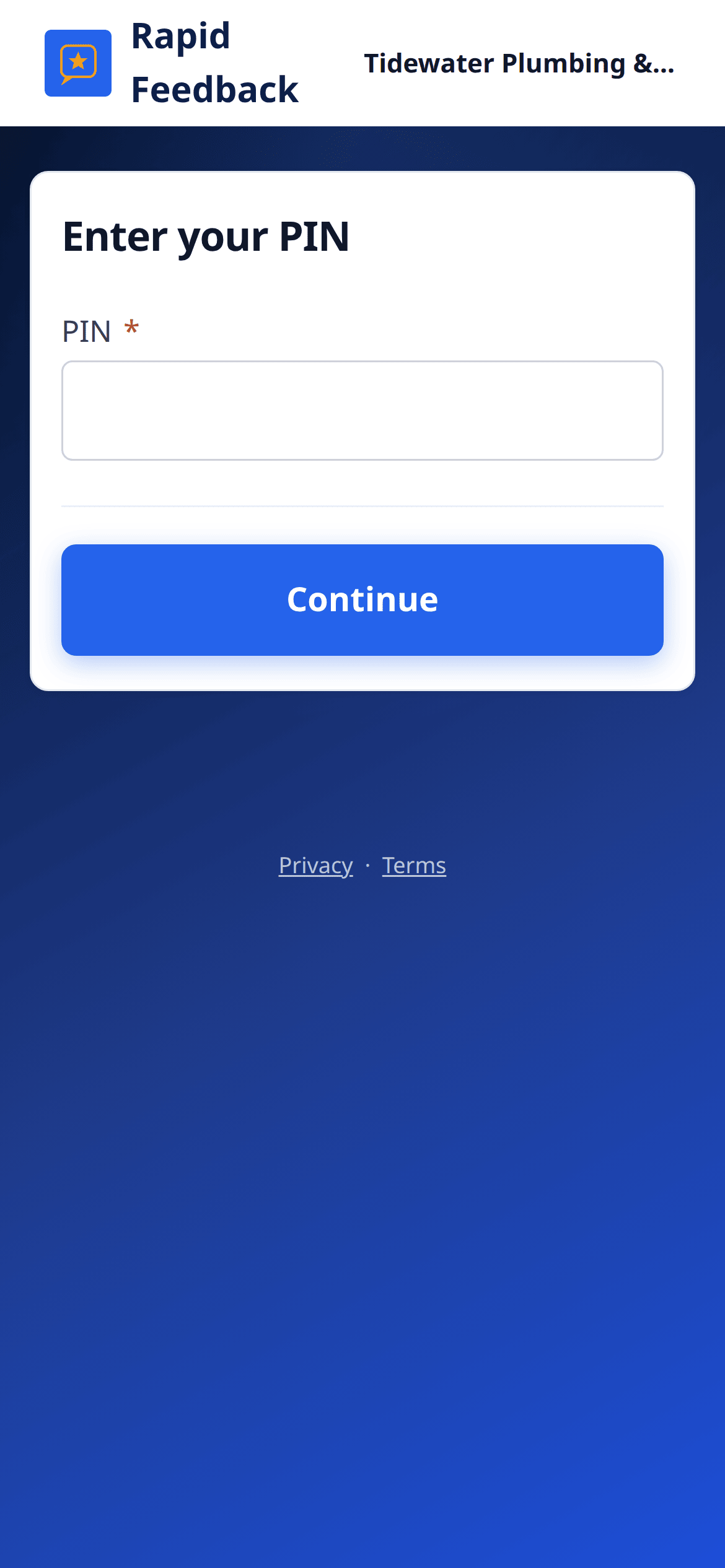
With a PIN on, your page shows Enter your PIN first.
- Type your 6 digits into PIN.
- Press Continue.
That browser remembers it for about a year, so you won't be asked every time.
If the PIN doesn't work
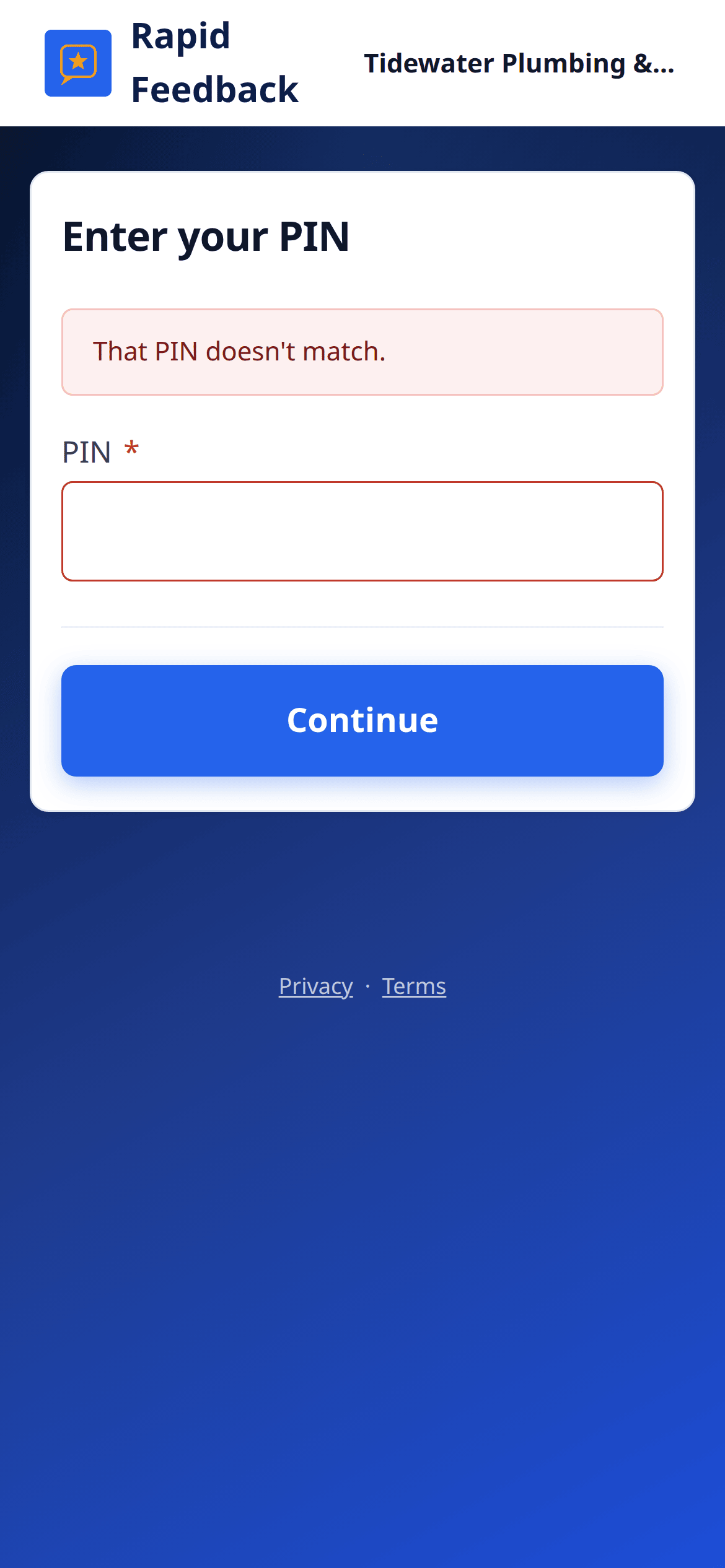
- "That PIN doesn't match." Check the digits and try again.
- "Too many tries. Wait a few minutes and try again." For safety, the page pauses after several wrong tries.
- Forgot it? Email hello@rapidfeedback.net and we'll help.
Good to know
When your PIN changes, every device needs the new PIN once. Your Settings use a separate emailed sign-in link, not the PIN.