Sign-in problems
Settings opens with an emailed link. See Opening settings.
The settings link didn't arrive
- Check spam or junk.
- Make sure you're checking the inbox for the email address on your account.
- Press Email me a new link.
If you see "Too many links sent. Try again in an hour.", wait an hour and try again.
The link says it's not valid, or has expired
Settings links last 10 minutes and work once. Go back to your settings address and press Email me a new link.
"…it unsubscribed from account emails"
We can't email a sign-in link to this shop's address because it unsubscribed from account emails.
At some point, account emails were turned off for your address (often by an email app's Unsubscribe button). Email hello@rapidfeedback.net from that address and we'll turn them back on.
"…earlier email to it bounced"
We can't email a sign-in link to this shop's address because earlier email to it bounced.
An earlier email couldn't be delivered to your address. Check the mailbox is working, then email hello@rapidfeedback.net and we'll help.
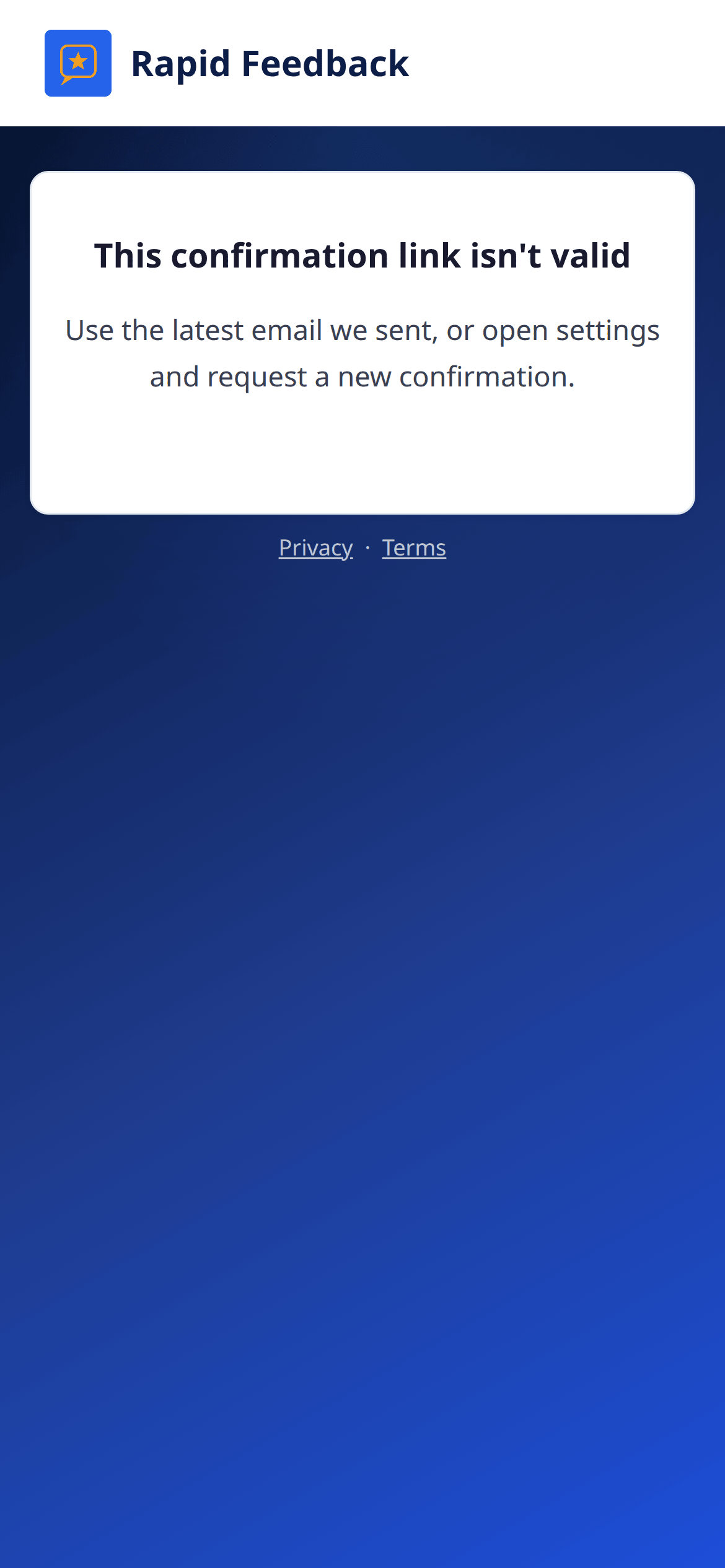
"This confirmation link isn't valid"
This is about confirming a new email address. The link was already used, or a newer one was sent. Open the newest "Confirm your new Rapid Feedback email" message, or press Resend confirmation in Profile.
I was signed out of settings
That's normal after 7 days, or after an email change. Press Email me a link to sign in again.
I no longer have access to the email on my account
Email hello@rapidfeedback.net from your new address with your business name. We'll check it's really you, then help you move the account.