What your customers see
For your customer, it's one email and one quick page. About ten seconds, start to finish.
The email they get
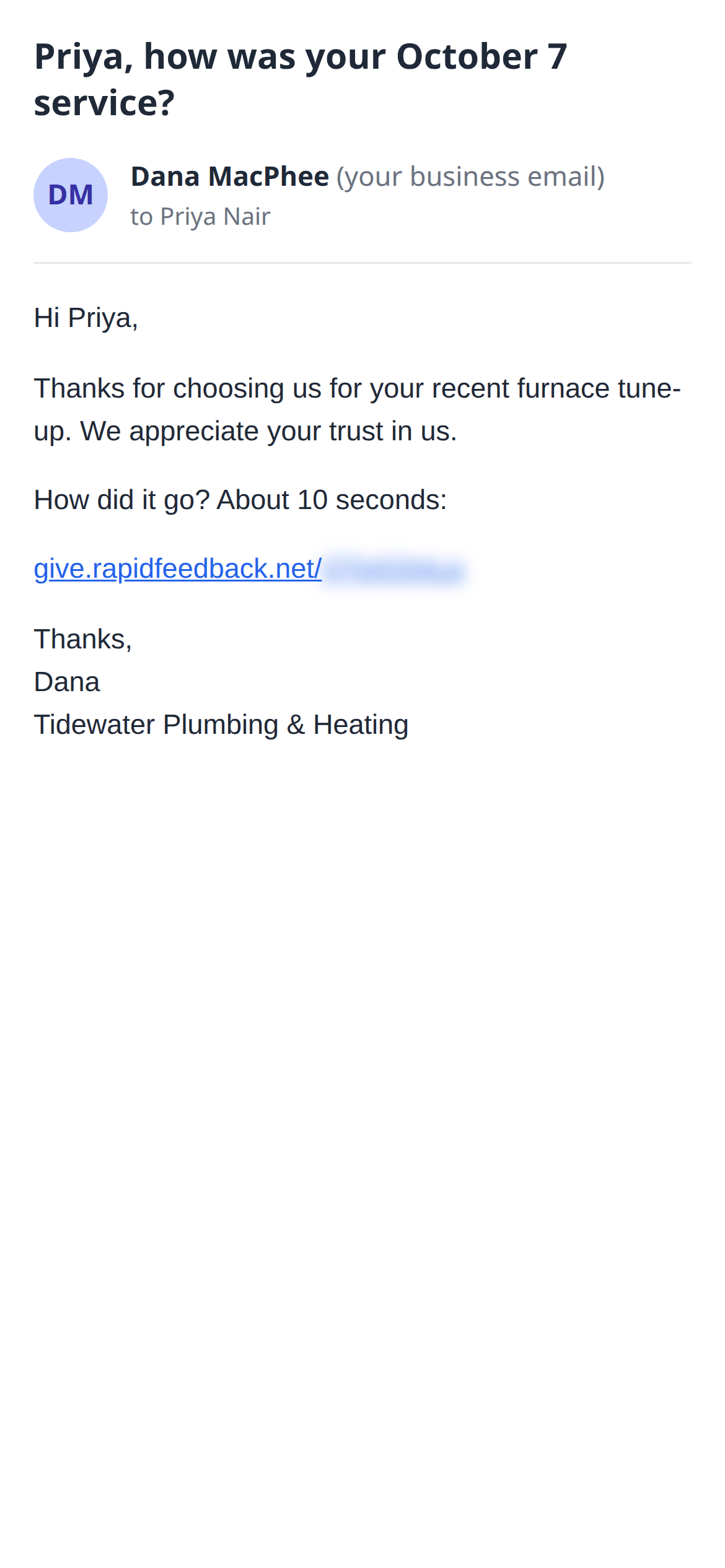
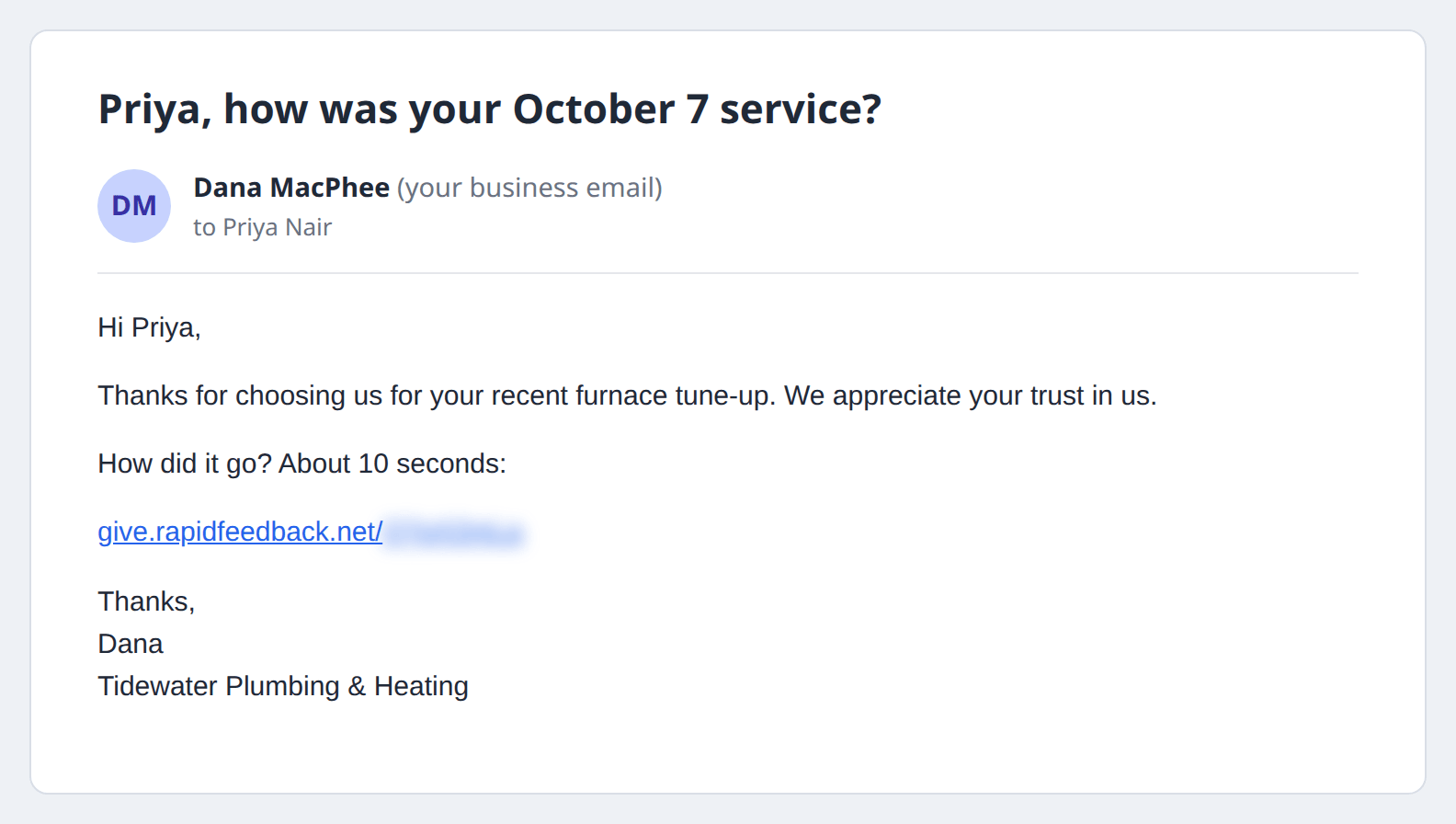
The feedback request comes from your email address, with your name at the bottom. It doesn't mention Rapid Feedback or Google. To your customer, it's a short note from the business they just hired.
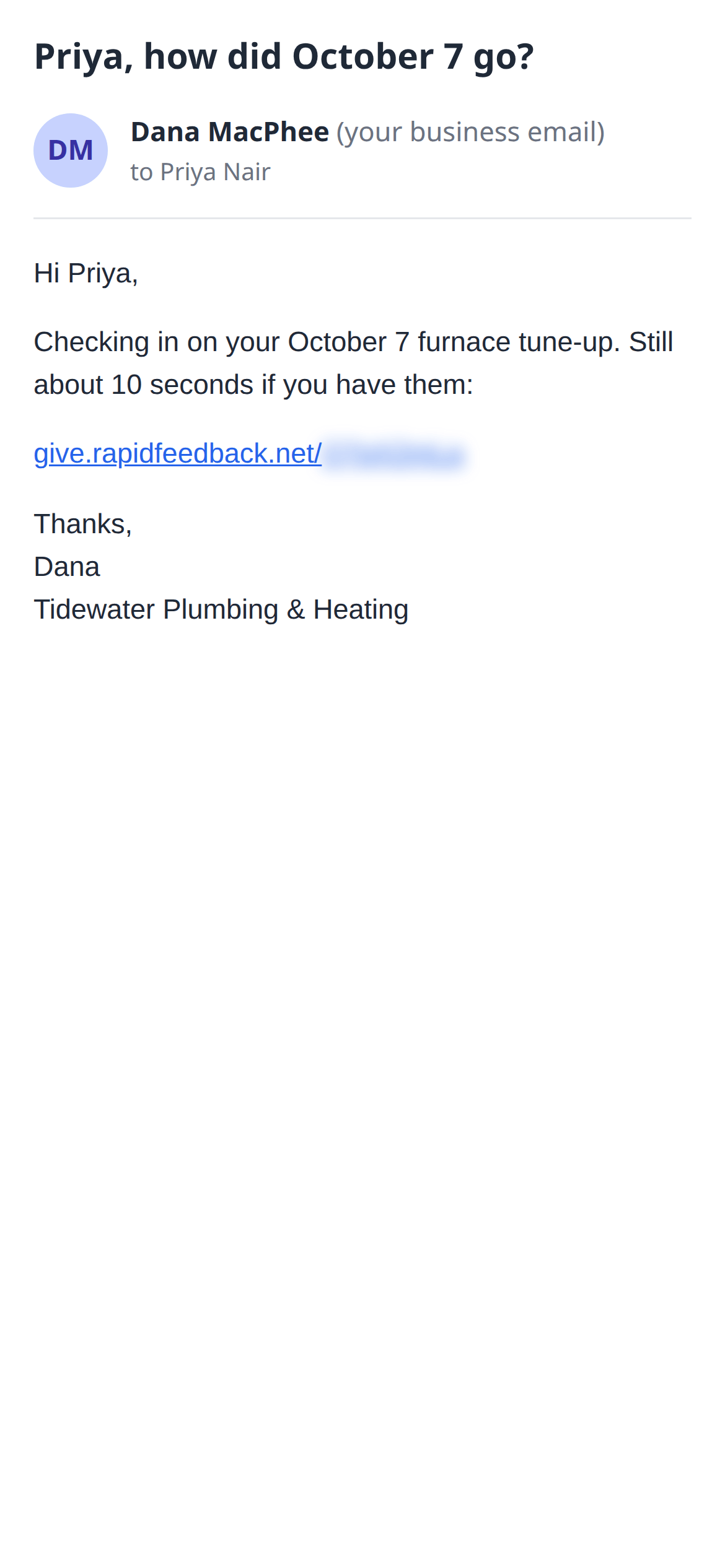
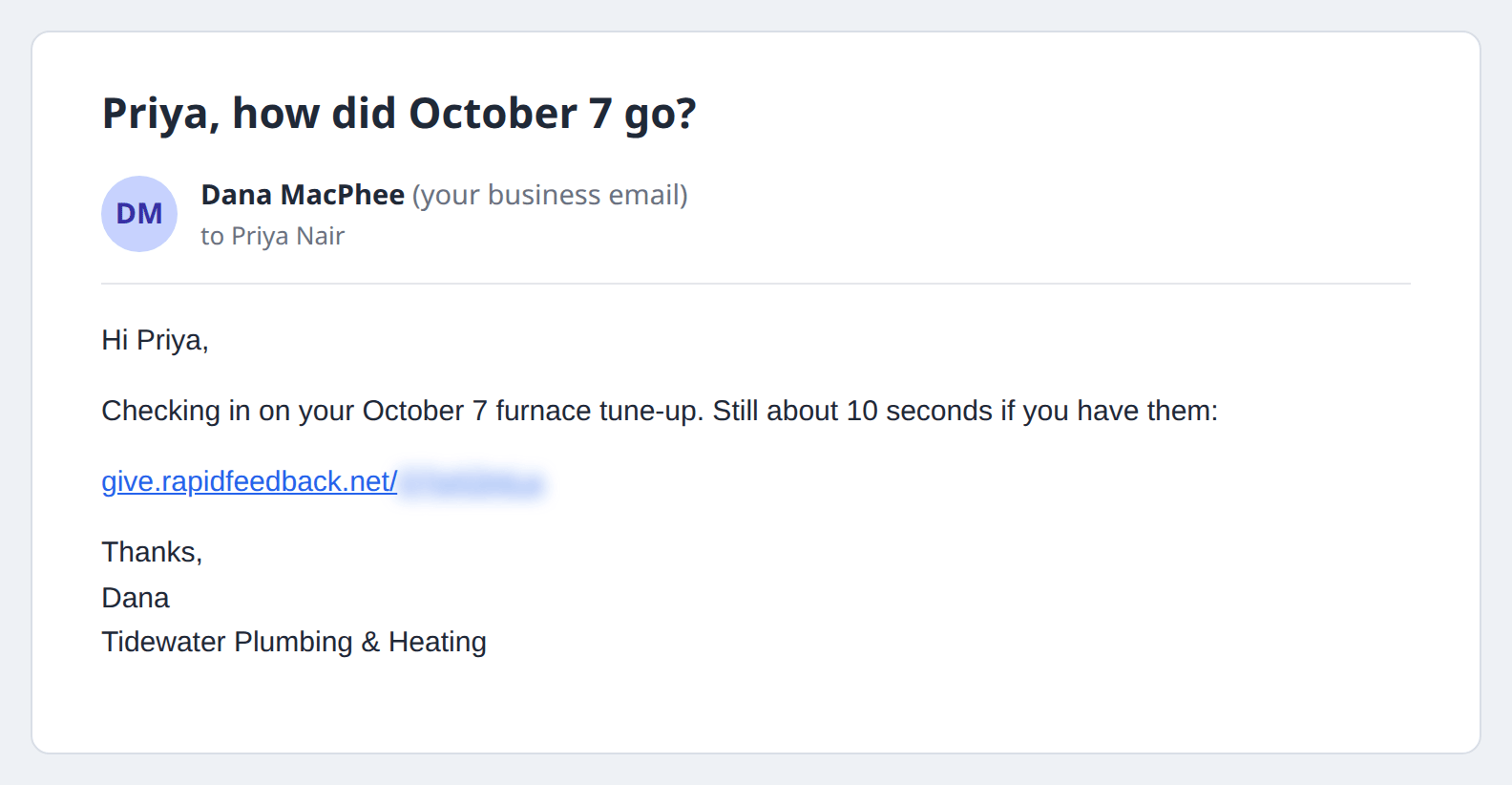
If they don't answer and you have reminders on, they get one short reminder after the number of days you choose (1–30).
The steps, from their side
- They tap the link in your email. A page opens at
give.rapidfeedback.net, showing your business name. - They rate the job: Very good, Good, Poor or Very poor.
- They see a thank-you page. What it shows depends on their answer:
- After a good rating, the Google review button comes first, with room for an optional note.
- After a poor rating, a box to tell you what happened comes first, and the Google button is still there below it.
- That's it. No account, no password, nothing to download.
In this part: