Follow-up reminders
Busy people miss emails. One polite reminder makes it easy for them to answer.
How it works
- If your customer hasn't answered after a few days (3 days unless you change it), Rapid Feedback sends one reminder from your inbox.
- Only one. Never more.
- If they've already answered, no reminder goes out.
- If your page is paused, reminders pause too.
The reminder looks like this:
Subject: Priya, how did October 7 go?
Hi Priya,
Checking in on your October 7 furnace tune-up. Still about 10 seconds if you have them:
give.rapidfeedback.net/…
Thanks,
Dana
Tidewater Plumbing & Heating
It uses the same link as the first email.
Turn reminders on or off, or change the timing
- Open Settings and choose the Wording tab.
- Tick or untick Send a single follow-up reminder if the customer doesn't give feedback.
- If it's on, set Send the reminder after how many days? Anything from 1 to 30 days.
- Press Save.
See Wording for a picture.
Good to know
The timing is set when you send each request. Changing the number of days later doesn't move reminders that are already scheduled. Turning reminders off does stop any that haven't gone out yet.
If reminders are off
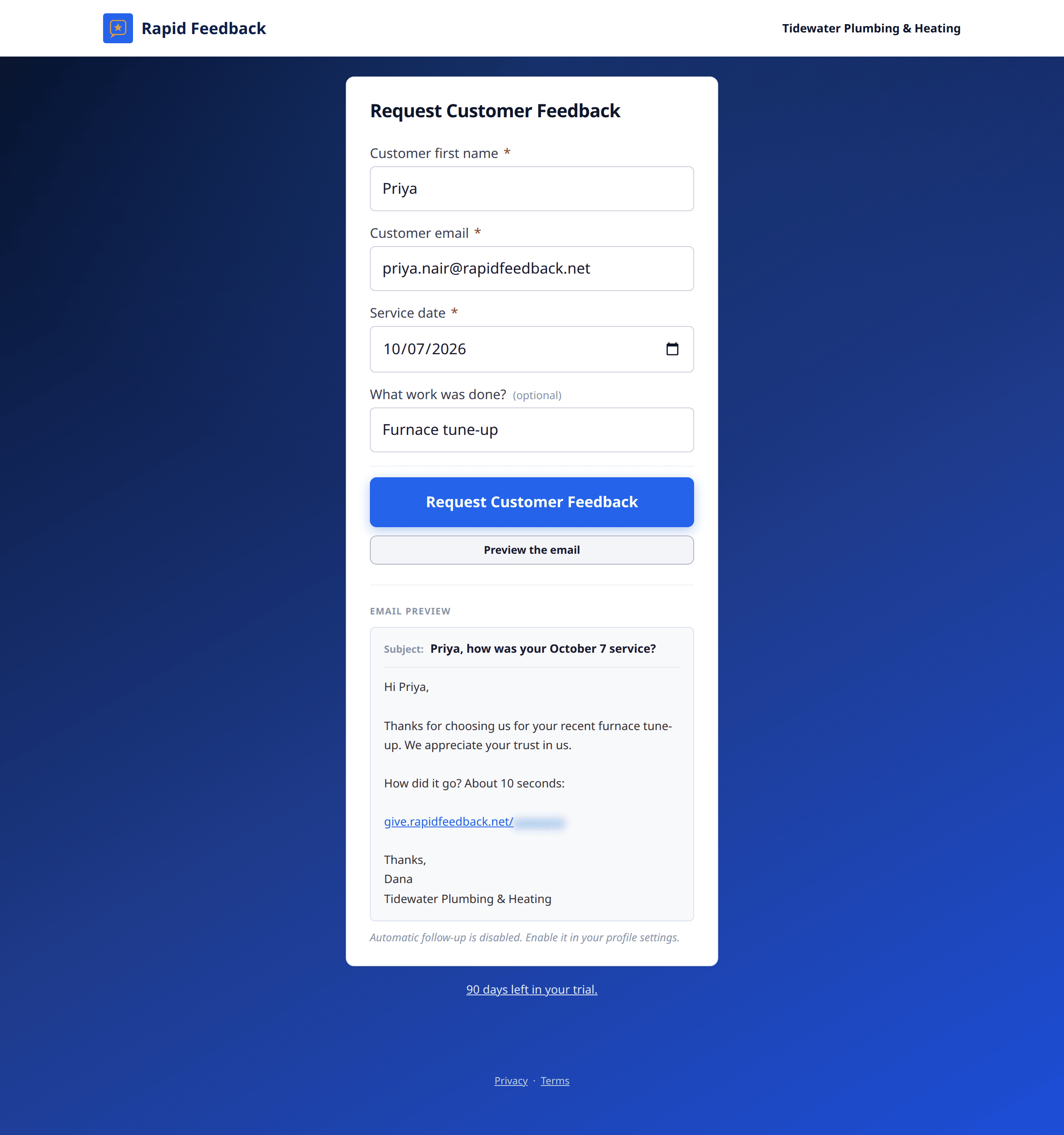
The email preview on your page will say "Automatic follow-up is disabled." To turn it back on, use the Wording tab in Settings, as above.