Links
The two connections that make Rapid Feedback work: your Google review link and your Make.com connection.
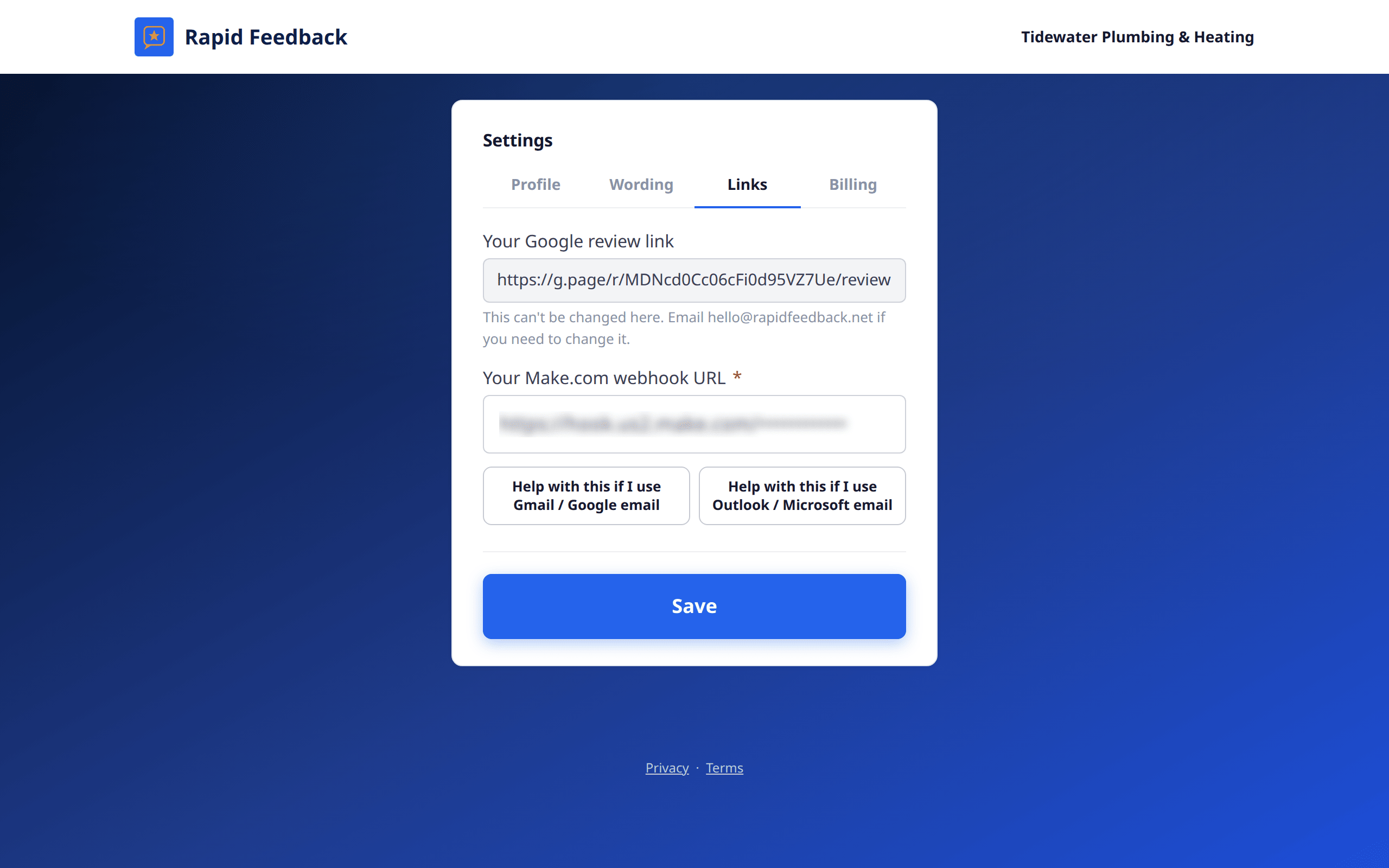
Your Google review link
Shown here so you can check it, but you can't change it on this page. That keeps it from being changed by mistake. If you need a new one, for example after moving to a new Google listing, email hello@rapidfeedback.net and we'll update it.
Your Make.com webhook URL
The private address Make.com gave you in setup. Change it here if you:
- built a new Make.com scenario,
- switched to a different email account, or
- were asked to by our team.
Paste the new address and press Save. The Help with this if I use Gmail / Google email and Help with this if I use Outlook / Microsoft email buttons show the setup steps again. Pictures are in Connect your email, with pictures.
Heads up
If you change your business email, the Make.com connection still sends from the old account until you connect the new one in Make.com. See Connect your email, with pictures.