If a request didn't send
Rapid Feedback checks every send with Make.com and tells you right away if something went wrong. Here's what each message means.
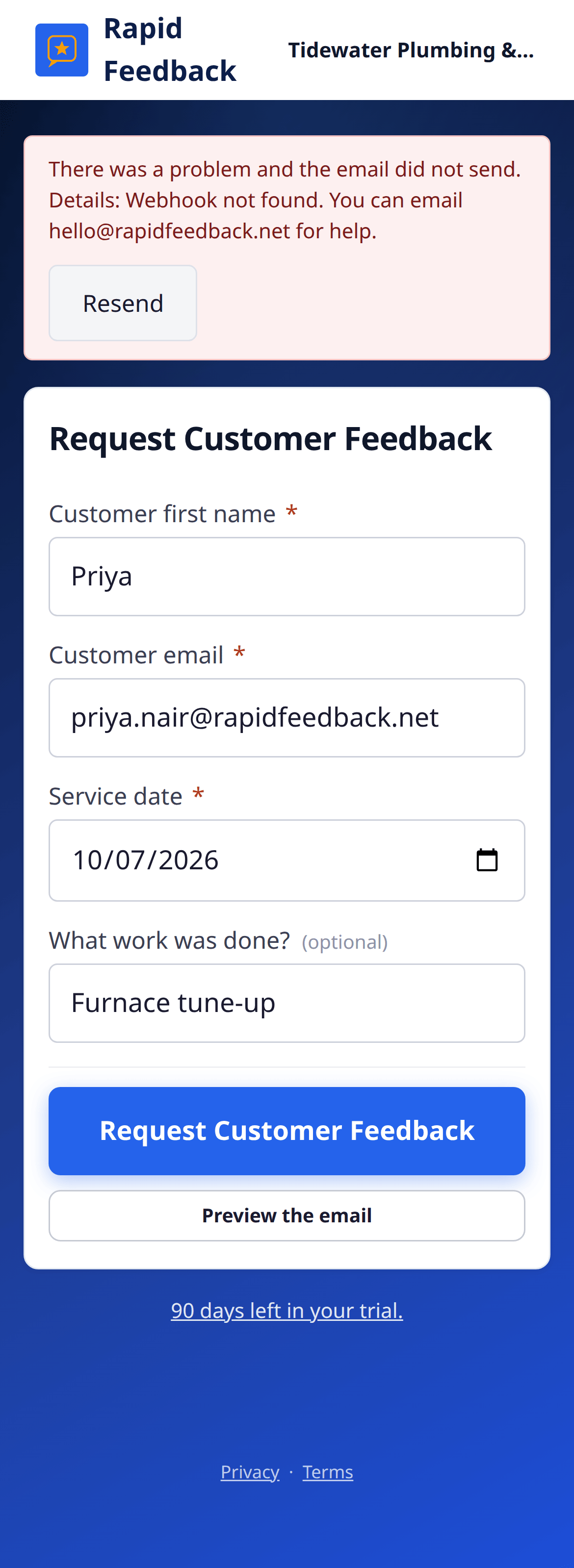
Red message: the email did not send
There was a problem and the email did not send.
Make.com couldn't send this email. Your customer did not get it.
- Read the Details: part of the message, if there is one. It often says what's wrong.
- Press Resend to try again.
- Still red? The usual cause is the Make.com connection. See Sending problems.
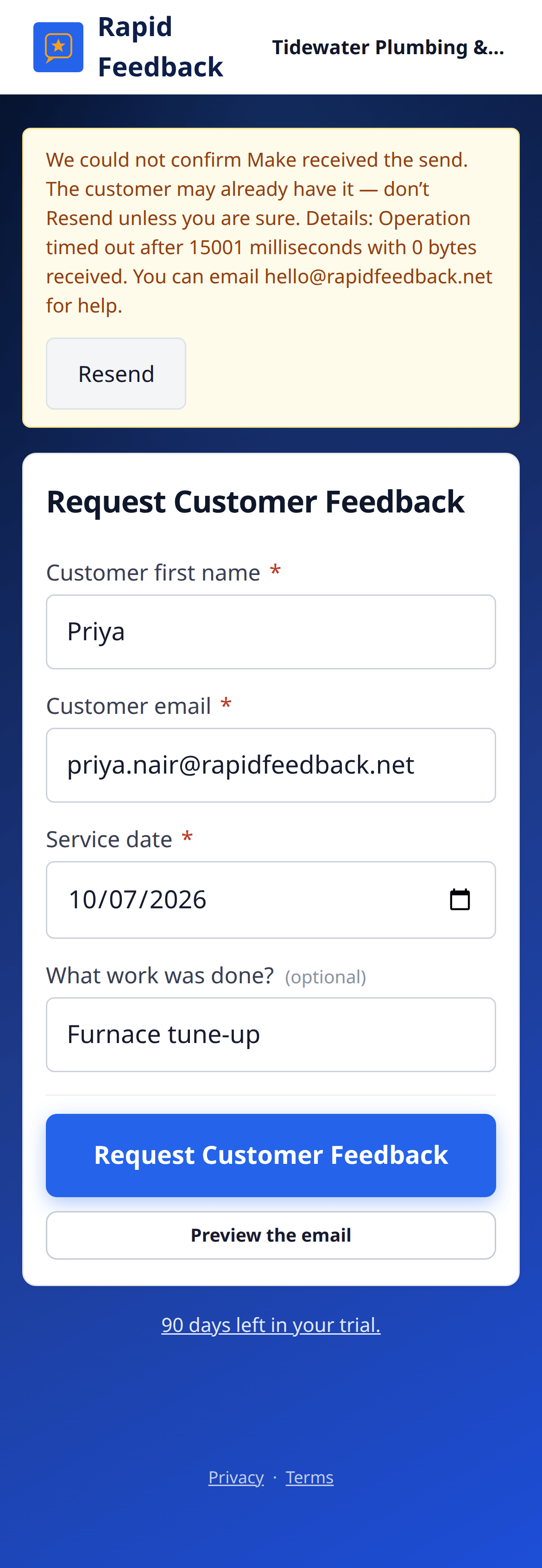
Yellow message: we couldn't confirm
We could not confirm Make received the send. The customer may already have it — don't Resend unless you are sure.
The request reached Make.com, but the answer back was slow, so we can't be sure it went out. Most of the time it did.
- Check your inbox's Sent folder for the email.
- If it's there, you're done. Don't press Resend, or your customer gets two.
- If it isn't there after a few minutes, press Resend.
Messages under a field
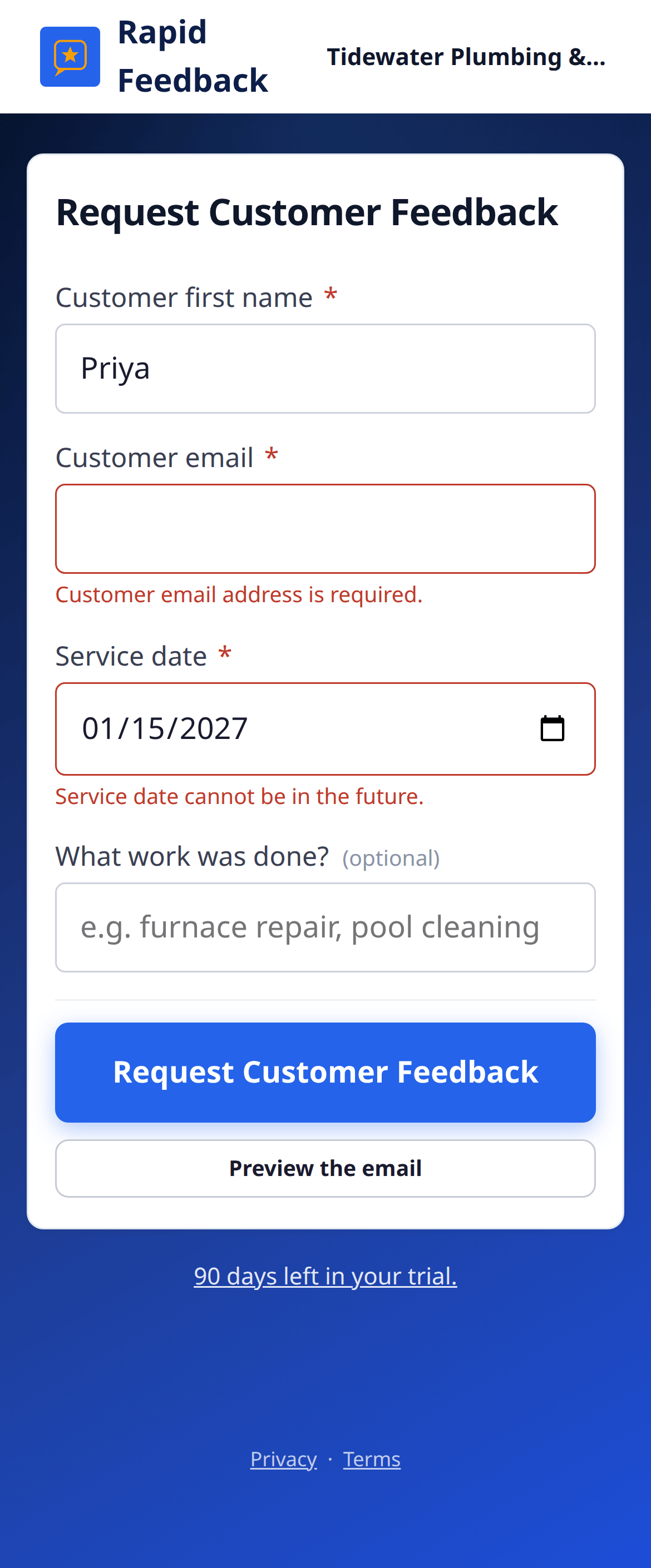
If a box is missing something, a short note appears under it, like "Customer email address is required." or "Service date cannot be in the future." Fix the box and press Request Customer Feedback again.
"Too many feedback requests"
You have submitted too many feedback requests in a short period of time. Please wait a while before trying again.
To protect your inbox from spam filters, there's a limit on how many requests can go out in a short time. Wait a little while, then carry on. Sending a big batch from an old list isn't a good fit for Rapid Feedback. It works best one job at a time.
Something else
If the page says "Something went wrong. Please try again.", try again in a minute. If it keeps happening, email hello@rapidfeedback.net with the time and the customer's first name, and we'll look into it.