Managing billing in Stripe
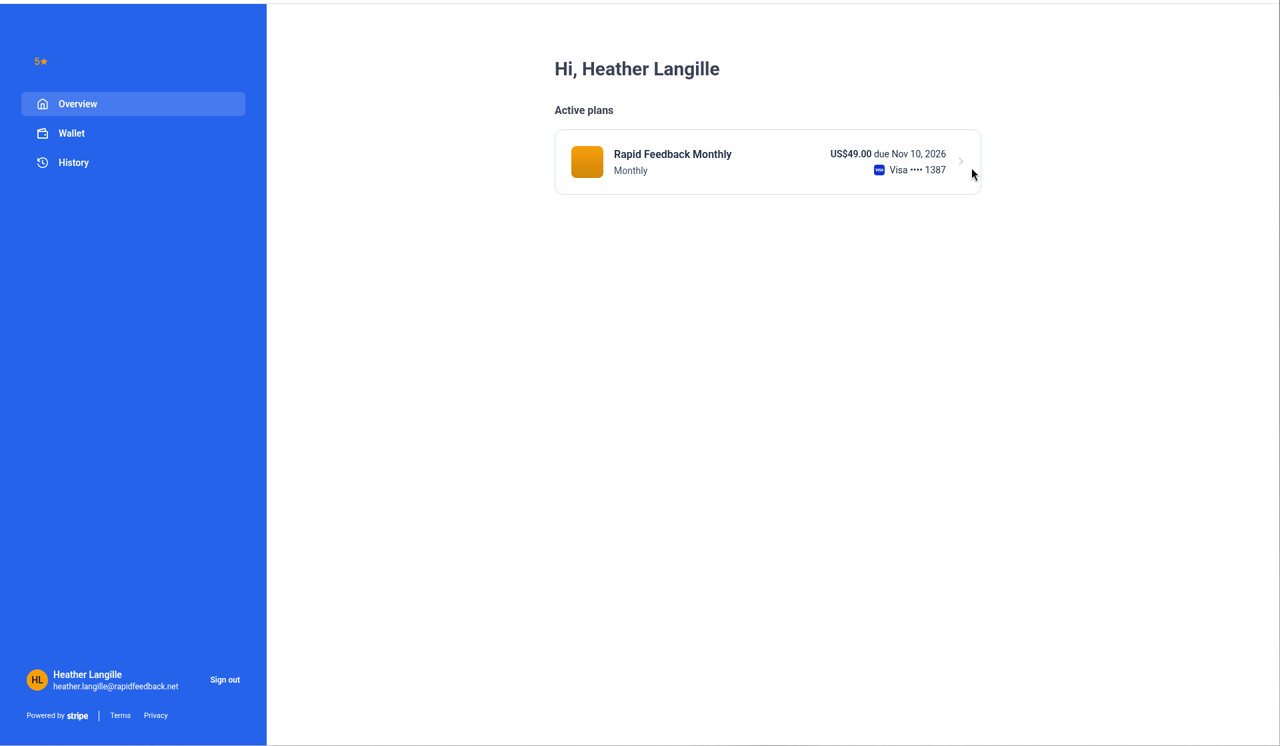
Once you've added a card, you manage it yourself on Stripe's secure billing page: update your card, download invoices, or cancel.
Open your billing page
- In Settings, choose Billing and press Manage billing.
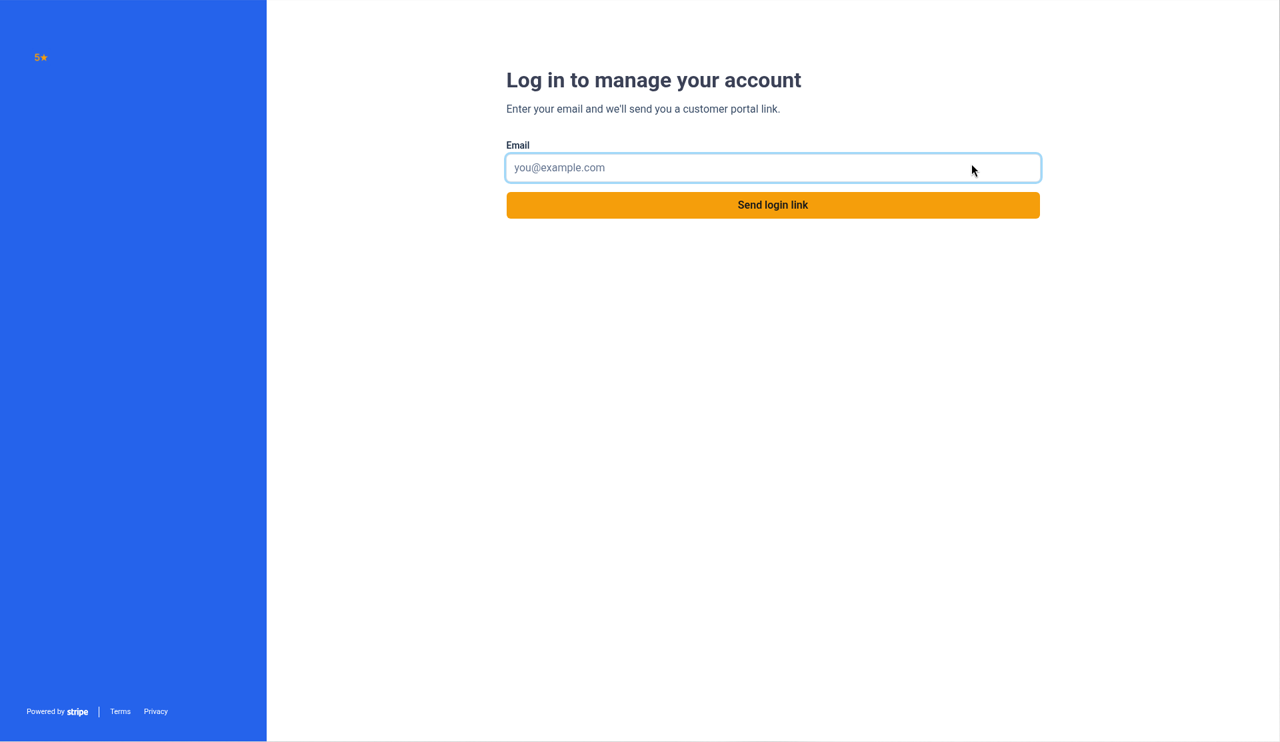
- Stripe asks for your email. Use the same email you used when you added your card.
- Stripe emails you a sign-in link. Open it.
Update your card
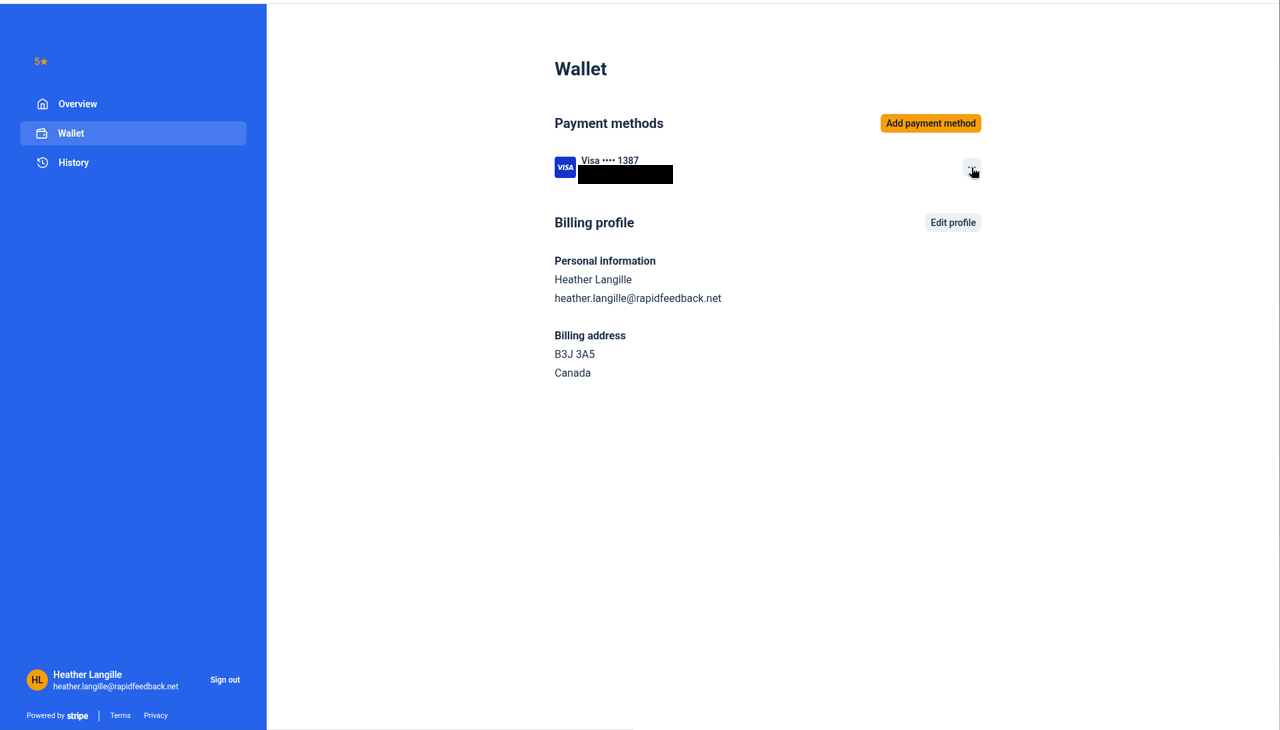
- On your Stripe billing page, find Payment method.
- Choose to add or update a card, and enter the new details.
- Save. The new card is used from your next payment.
Receipts and invoices
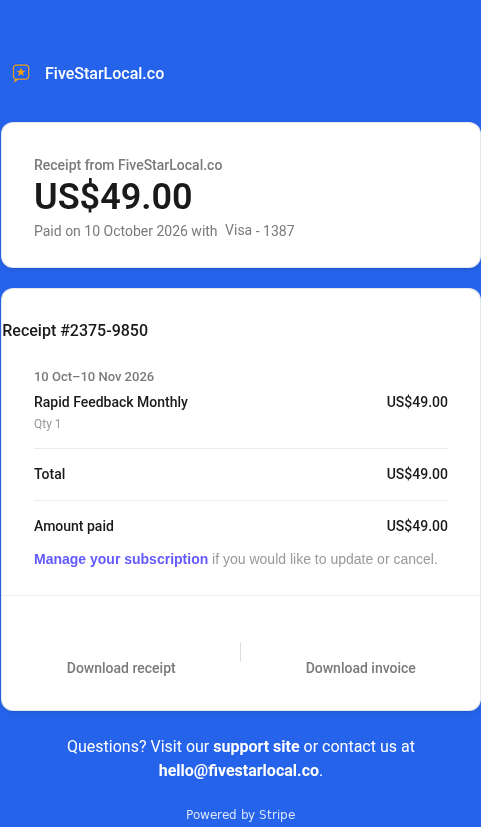
- Stripe emails a receipt after every payment, to the email you used when you added your card.
- Every past invoice is listed on your Stripe billing page, ready to download.
Cancel
See Cancelling.