Setup problems
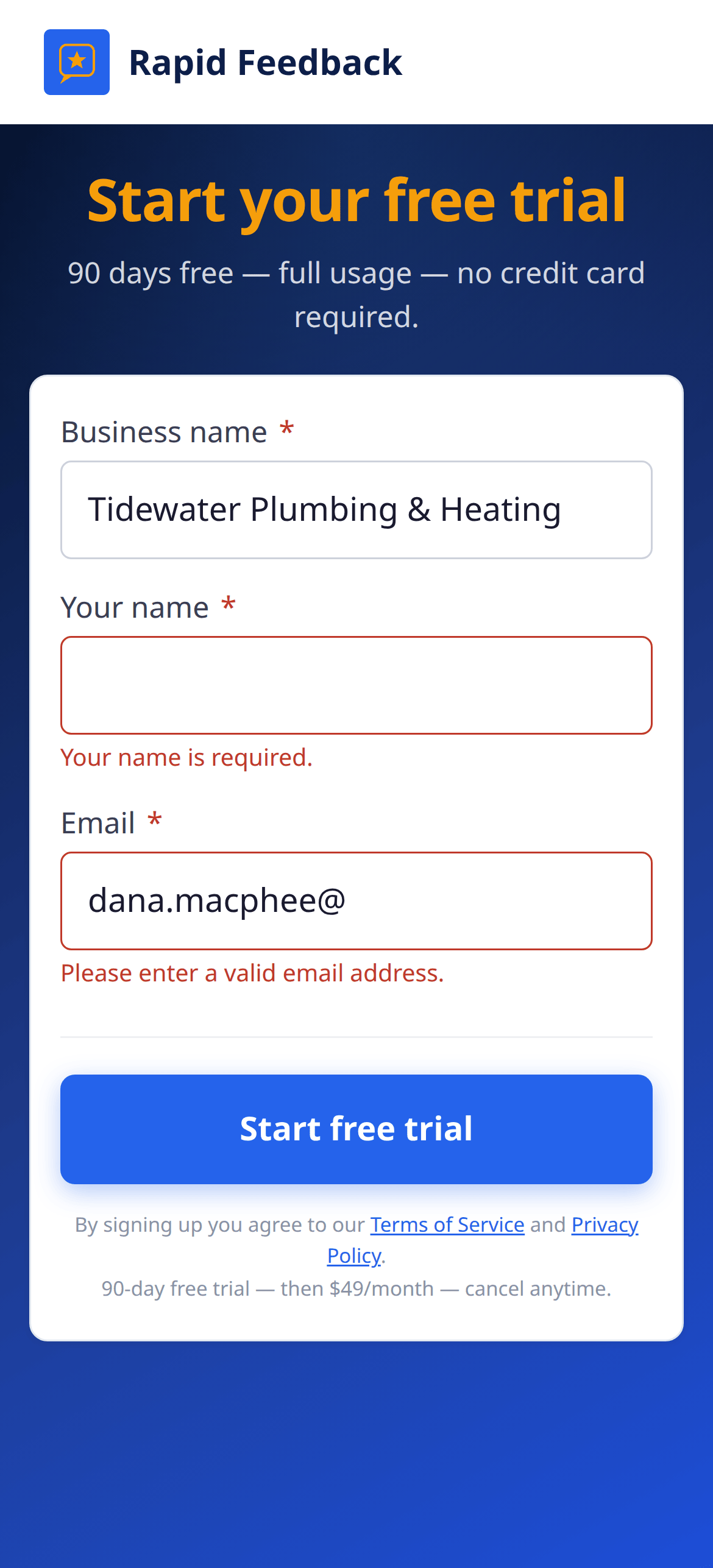
The signup form shows a red message
The form tells you what to fix, right under the box:
- Business name is required., Your name is required. or Email address is required. Fill in that box.
- Please enter a valid email address. Check for a typo, like a missing
@or.com. - Maximum 100 characters. (or 50 for your name) Shorten it a little.
Fix it and press Start free trial again. Everything else you typed stays put.
Too many signup attempts from your connection. You'll see this after lots of tries in a short time. Wait an hour, then try once more.
Started signing up before and didn't finish? Signing up again with the same email takes you back to the Thanks for signing up page so you can carry on. Already have a working page? There's no need to sign up again. Use the link in your "page is ready" email, or ask us.
The verification email didn't arrive
- Check your spam or junk folder.
- Check the address shown on the Thanks for signing up page.
- Press Resend email, then use the newest email (it replaces the old link).
If it says "Please wait a minute and try again.", give it a minute. If it says "Too many tries from your connection…", wait an hour.
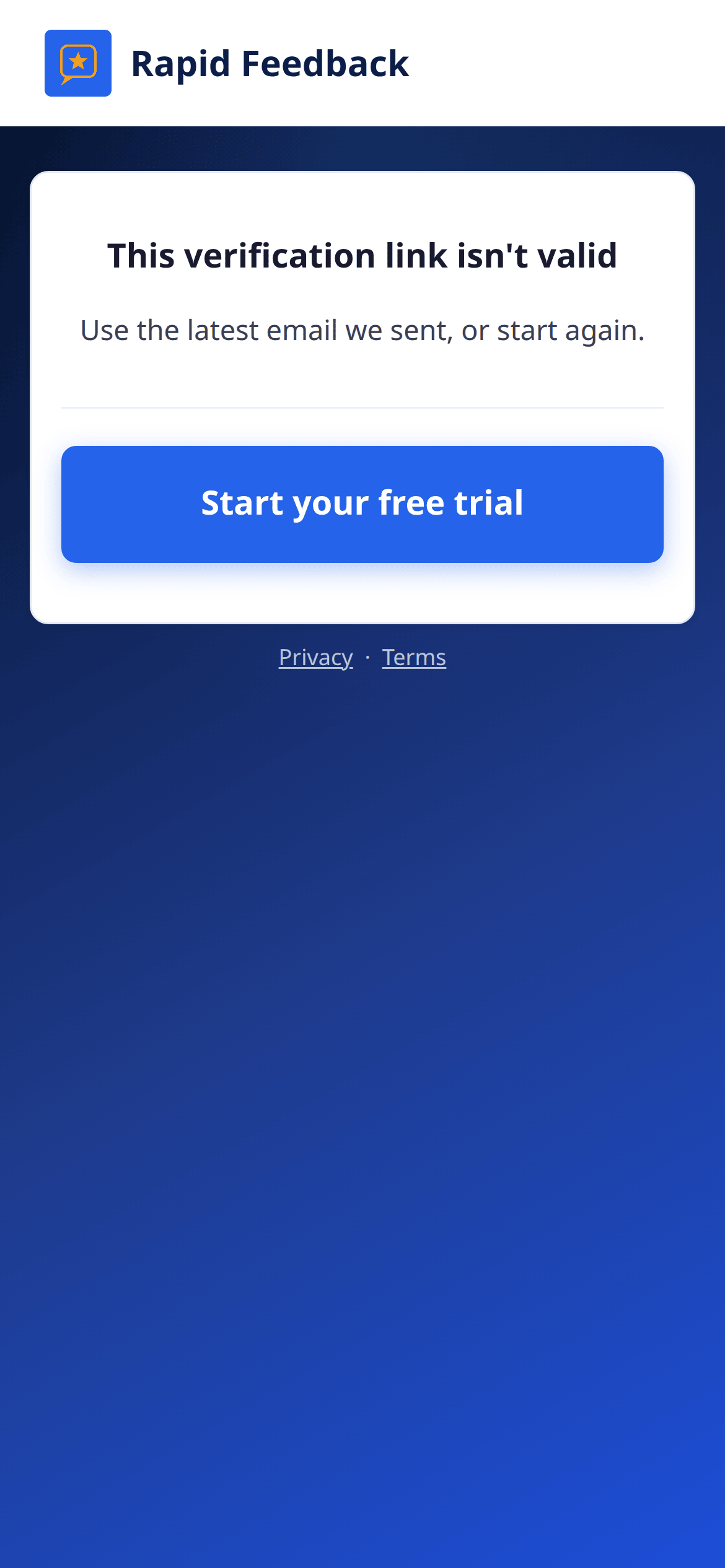
"This verification link isn't valid"
You probably clicked an older verification email after asking for a new one. Open the newest one. Or start again at get.rapidfeedback.net/signup with the same details.
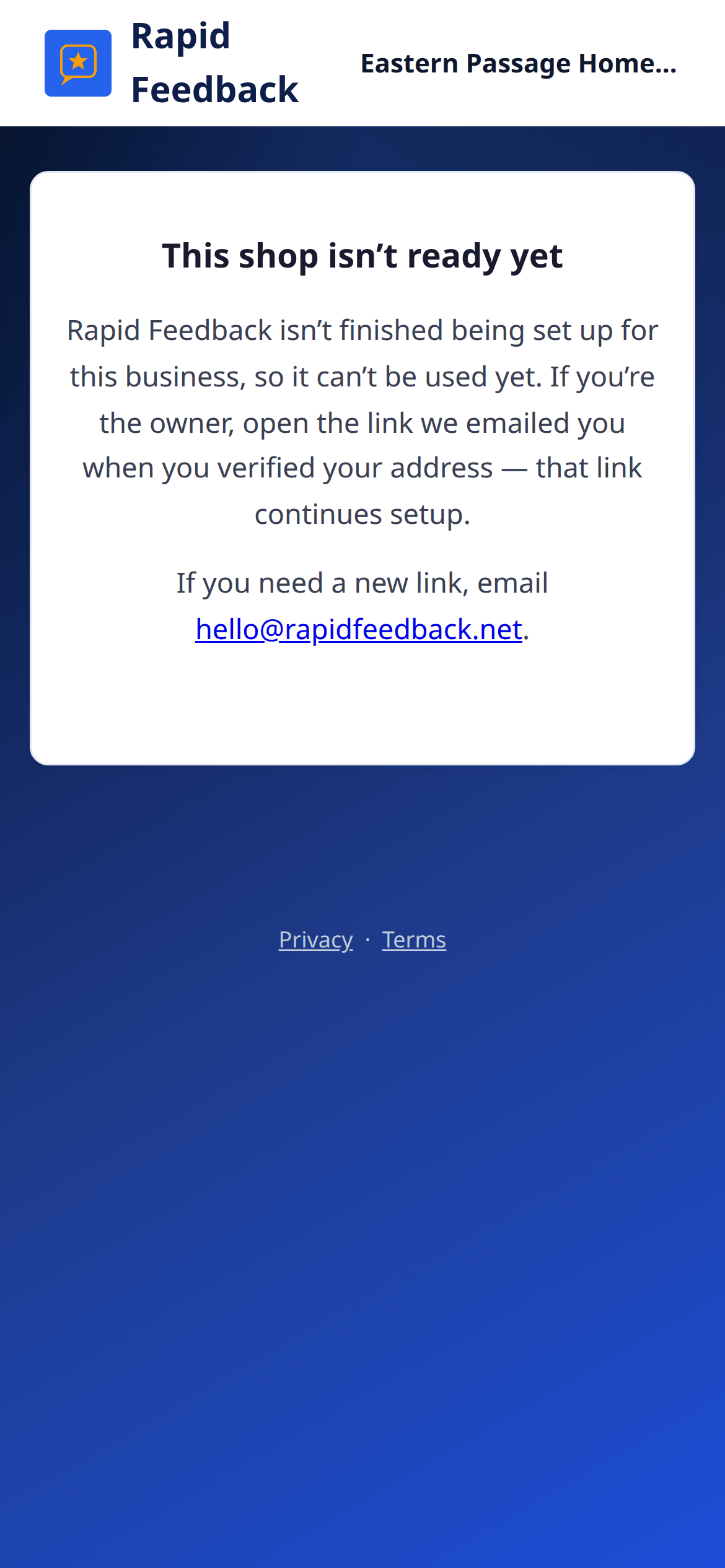
"This shop isn't ready yet"
Your setup isn't finished, and this browser doesn't know it's you. That's a safety step: only the person with the verification email can finish setup.
- Open your verification email again and click Verify your email. You'll go straight back to where you left off.
- Can't find it? Email hello@rapidfeedback.net and we'll send you a new link.
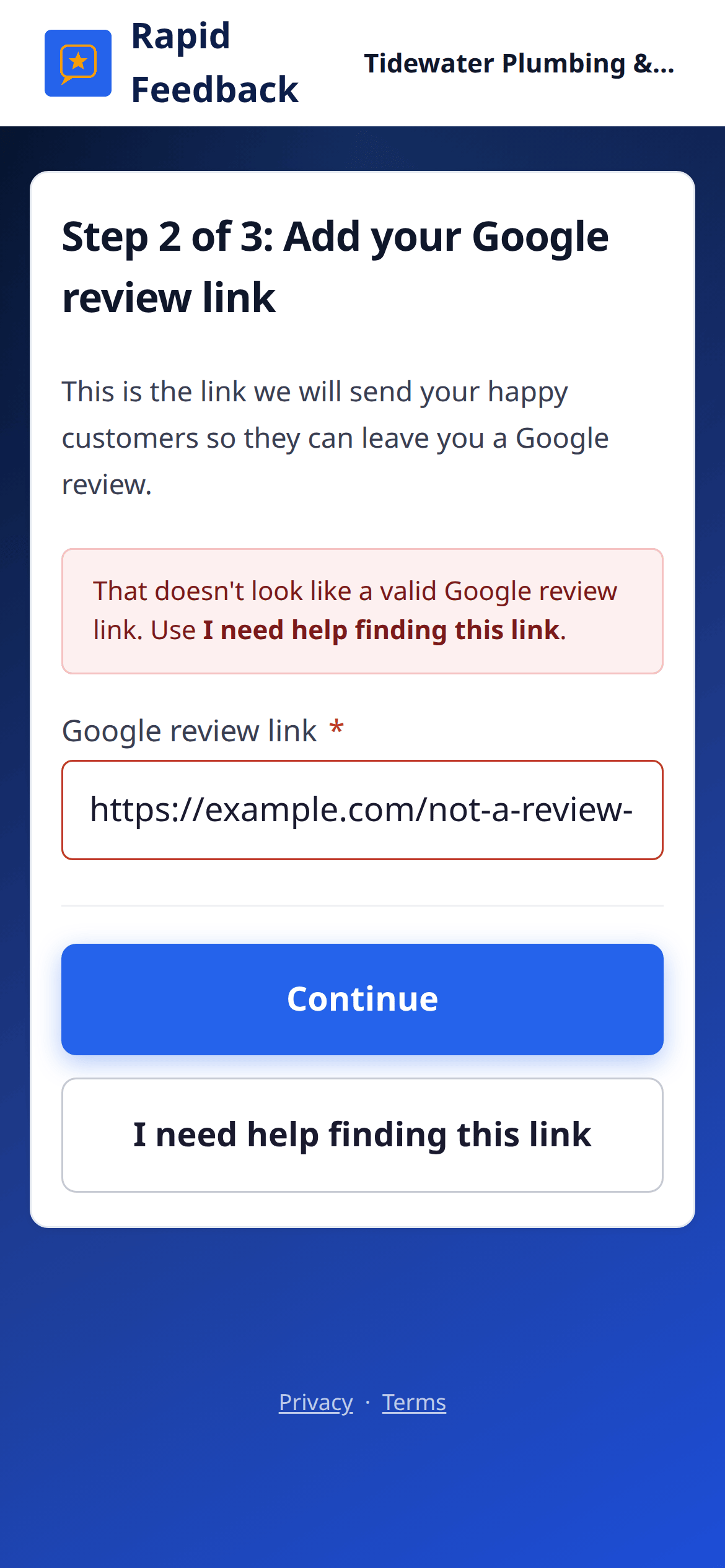
My Google link isn't accepted
- "That doesn't look like a valid Google review link." Make sure you copied the review link from your Google Business Profile, not the address of a Google search. It usually starts with
https://g.page/r/. See Find your Google review link. - "Another account already uses this Google review link." Each Google listing can be connected to one Rapid Feedback account. If that's your business and you didn't set it up, email hello@rapidfeedback.net.
My Make.com address isn't accepted
The address should start with https://hook. and end in make.com/ followed by a long code, for example https://hook.us2.make.com/…. Check that:
- you copied the webhook address, not the address of the Make.com page you were on;
- nothing is missing from either end.
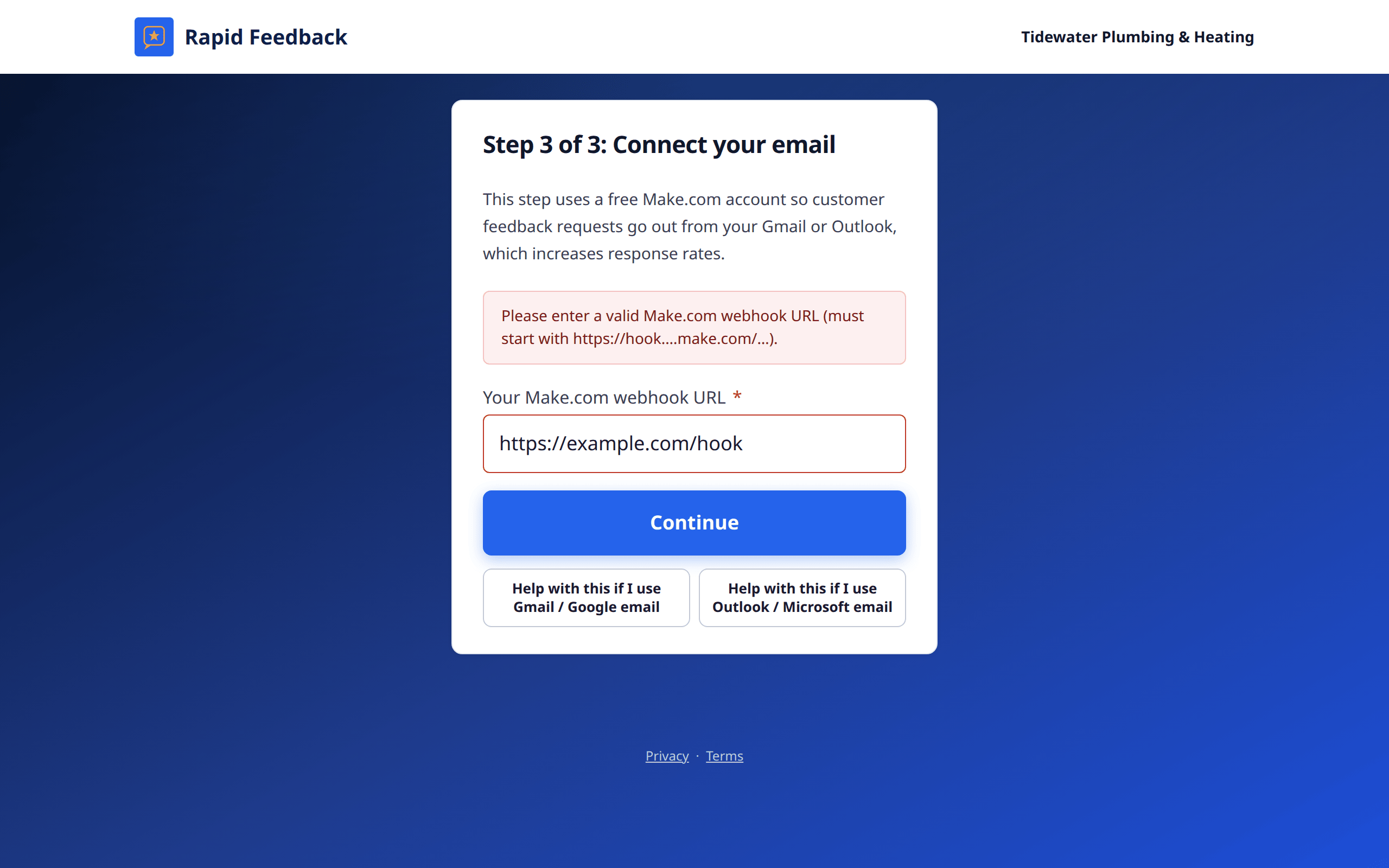
I'm stuck in Make.com
Follow Connect your email, with pictures step by step. Most people get stuck at one of these:
- Didn't confirm the Make.com account. Look for Make's email and click its link.
- Connected the wrong email account. Connect the inbox your customers know.
- Forgot to turn the scenario on. It must be switched on to send.
Still stuck? Email hello@rapidfeedback.net. We're happy to help you through it.